"We switched our restaurant menu to IMQRScan dynamic QR codes. Being able to update daily specials without reprinting saved us around $400 a month in print costs. Scan tracking showed us which table placements performed best."
QR Code Generator — Free, Trackable & Branded QR Codes
IMQRScan is a QR code generator platform that creates 33 QR code types from URL, vCard, WhatsApp, Google Review, restaurant menu, product catalogue QR codes and more. Static QR codes are free with no expiry. Dynamic QR codes, editable after printing and trackable with real-time scan analytics, start at $2.99/month.
Quick answer: A QR code generator encodes data (URL, text, contact, WiFi, file) into a scannable ISO/IEC 18004 matrix barcode. IMQRScan supports 33 QR types, static and dynamic formats, real-time tracking, and PNG/SVG/JPG/EPS export — free to start, no credit card.
· Reviewed by the IMQRScan Team
Generate your QR code below
No signup required to preview. Download or unlock dynamic tracking with a free account.
Choose the content type, fill the fields, and style your QR code with IMQRScan.
Switch to IMQRScan dynamic QR codes for campaigns, tracking, and advanced controls.
Explore Dynamic QRTrusted by teams worldwide
Platform metrics as of April 2026
-
1.3M+QR codes generated
-
47M+Scans tracked across 180+ countries
-
33QR code types supported
-
22+Languages on landing pages
How QR Codes Work
A QR code is a two-dimensional matrix barcode invented in 1994 by Masahiro Hara at Denso Wave and standardized as ISO/IEC 18004.
Static vs Dynamic QR Codes
Choose the right QR code type for your needs
Read full comparison guide →Static QR Code
Permanent & simple- Free forever, No Subscription
- Never expires
- Fast scanning
- Cannot edit once created
- No analytics or tracking
- No A/B testing support
- No URL shortening
Personal use, permanent links, simple campaigns, social profiles
Dynamic QR Code
Editable & trackable- Edit destination anytime
- Scan analytics & locations
- Cleaner, short URL Direct
- A/B testing support
- Branding & logo options
- Requires account
Business campaigns, print materials, marketing analytics
How to Make a QR Code in 4 Steps
Choose a type, add content, customize design, then download and track. Works for static and dynamic QR codes.
-
Step 1
Pick a QR type
Choose from 33 types: URL, vCard, WhatsApp, PDF, menu, event, Google Review, WiFi, and more.
-
Step 2
Add your content
Paste a URL or enter the data for your selected QR type — contact card, WiFi details, WhatsApp chat, etc.
-
Step 3
Customize design
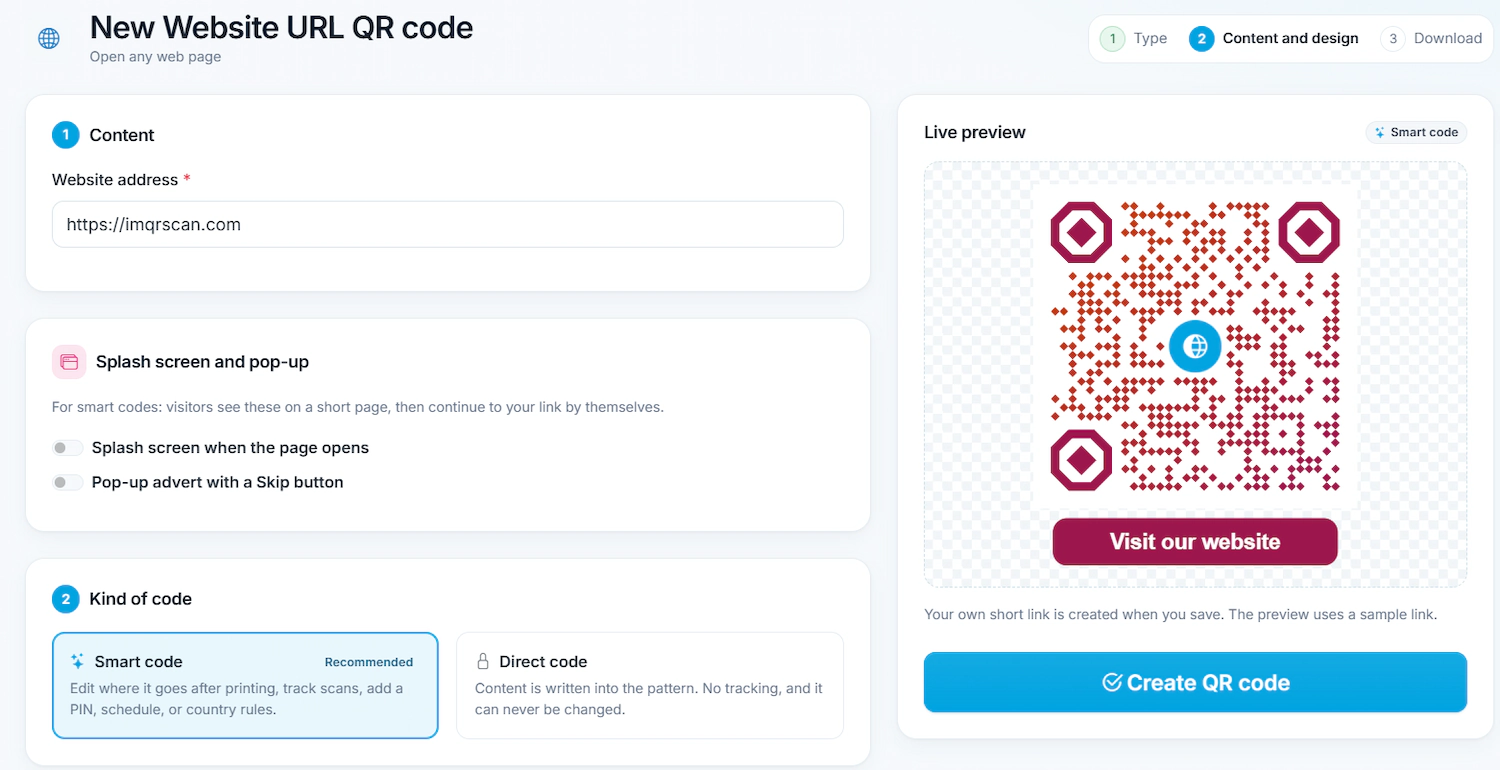
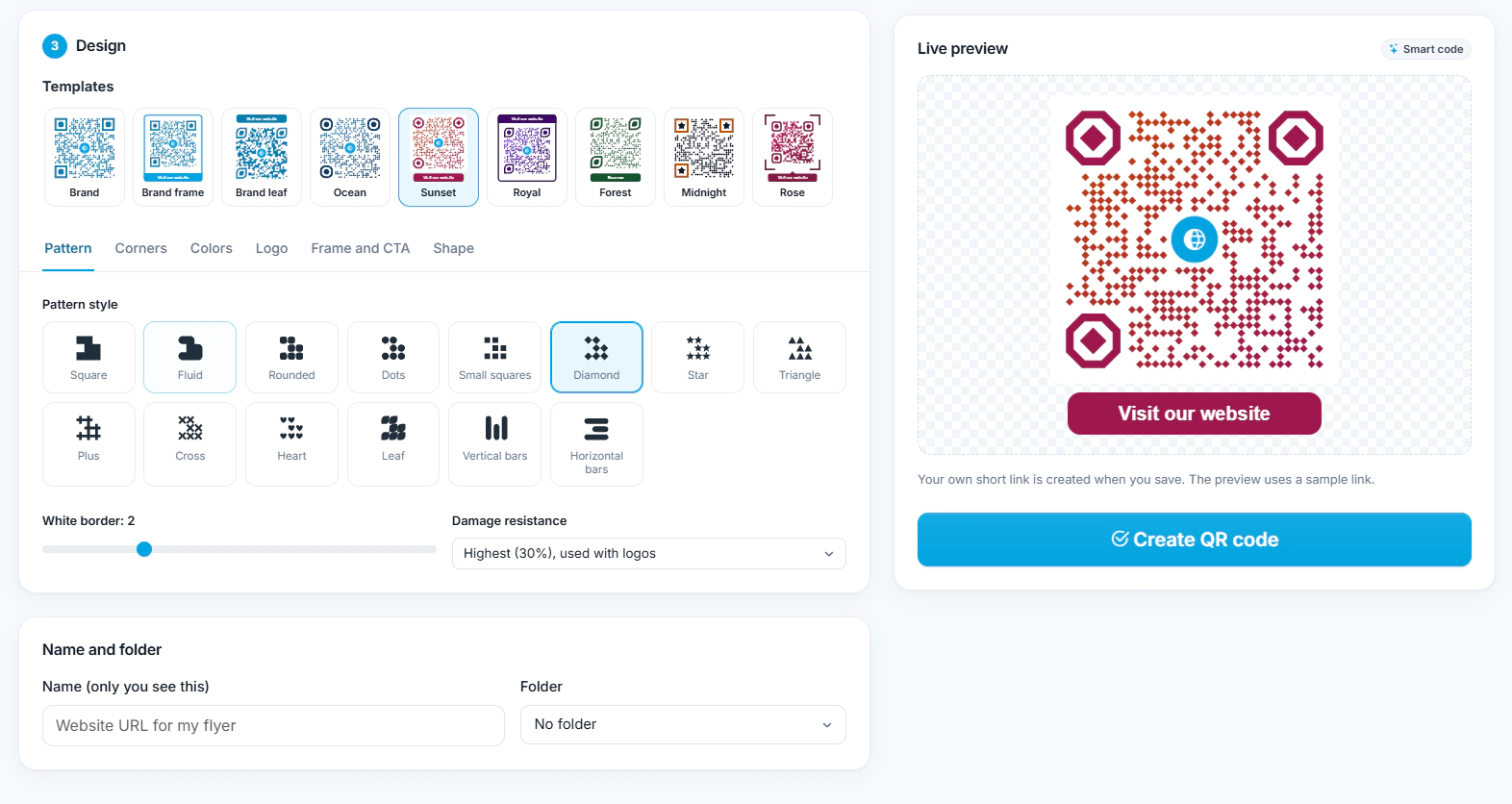
Upload a logo, apply brand colors, pick dot and eye shapes, and add a Scan-Me frame — all while preserving scannability.
-
Step 4
Download & track
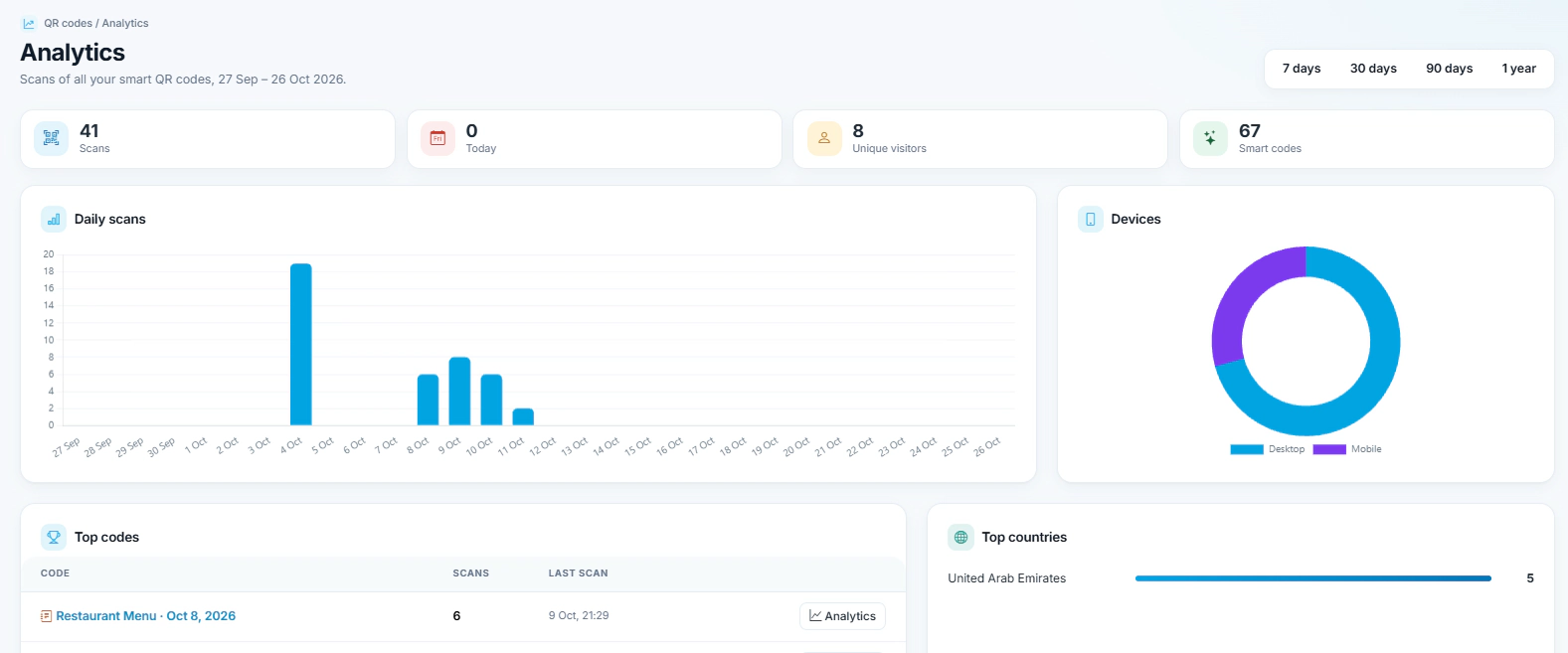
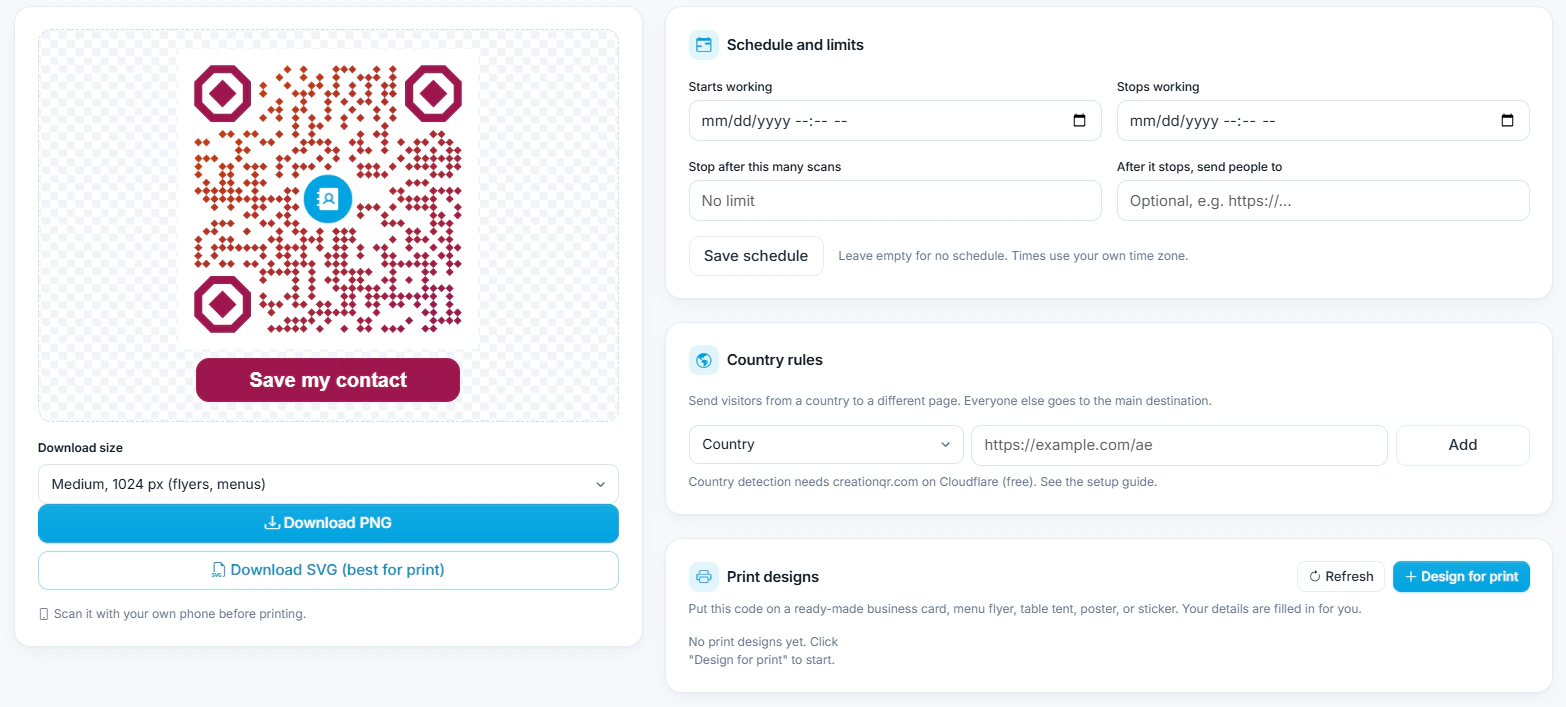
Export PNG, SVG, JPG, or EPS. With dynamic QRs, view scan analytics by location, device, and time.
33 QR Code Types You Can Create with IMQRScan
QR codes for websites, vCards, WhatsApp, menus, PDFs, reviews, apps, events, and more. Explore all QR solutions.
Select a type of QR code on the left
Make a QR Code That Scans Every Time
Avoid failed scans with five proven QR code best practices.
1. Minimum print size
Print QR codes at no smaller than 2×2 cm for typical scan distances. For posters viewed from 2 metres, use at least 10×10 cm. See our minimum QR code size guide.
2. Keep the quiet zone
The ISO/IEC 18004 standard requires a quiet zone of at least 4 modules (white space) around the QR code. Without it, scanners cannot reliably detect the code boundary.
3. Use SVG or EPS for print
Vector formats like SVG and EPS stay sharp at any size. Use them for packaging, signage, and banners. See our guide on QR codes in print.
4. Maintain contrast
Dark modules on a light background scan most reliably. Inverted QR codes (light on dark) fail on many scanners, especially older Android devices.
5. Use error correction H with logos
When adding a center logo, switch to error correction level H (30% recovery). This lets the QR code remain scannable even when up to 30% of modules are obscured.
6. Test before distribution
Test every QR code with at least two smartphones (one iOS, one Android) before printing thousands of copies. Print once, measure scan rate, then scale.
What IMQRScan Users Say
Real feedback from businesses using IMQRScan dynamic QR codes.
"The Google Review QR code doubled our review volume in 6 weeks. We stuck it on receipts and at the checkout counter. Analytics showed 62% of scans came from mobile iOS — useful for our marketing decisions."
"We printed 25,000 product labels with dynamic QR codes for our European launch. Two weeks in, we realized a broken URL. One click in the IMQRScan dashboard fixed every label. That alone paid for the subscription for 10 years."
Names of users and companies shown with permission. Read more on our Google Business profile.
Why Marketers Choose IMQRScan for Trackable QR Codes
IMQRScan helps you create trackable QR codes with real-time analytics, branded customization, and an all-in-one dashboard to manage every campaign.
Multilingual QR landing pages
IMQRScan supports 22+ languages. Landing pages auto-detect the visitor's browser language and serve the right content — useful for tourism, hospitality, and global brands.
Call-to-action frames
Add framed CTAs like "Scan to save 20%" or "Watch demo" next to your QR code. QR codes with a visible CTA typically see stronger engagement than unframed codes.
Password-protected QR codes
Gate sensitive content behind a password. Useful for internal documents, exclusive offers, and private product releases.
Access Additional Features
of Trackable QR Codes
Custom domains, URL shortener, link tracking, bulk generation, and more. Built for marketing campaigns and small businesses.
Create QR Code NowQR code customization
Customize Branded QR Codes for Your Business
Create branded QR codes that stay scannable. Add your logo, match brand colors, pick shapes and frames, and export print-ready SVG or EPS.
Apply on-brand colors
Match your QR code to your brand palette for packaging, menus, posters, and campaigns.
Transparent background
Remove the white background without losing contrast. Perfect for overlaying on photographs and textured materials.
Your branded QR code
Tip: Use SVG/EPS for print and keep a 4-module quiet zone.
Add your logo safely
Logos sit in the center with error correction level H so scannability is preserved up to 30% module obstruction.
Choose shapes & frames
Customize dots, corners, and frames to match your design system and boost scan-through rates.
Secure QR Code Generator for Personal and Business Use
Security matters when QR codes handle customer data, payments, or internal documents. IMQRScan routes every dynamic QR through secure HTTPS redirects, monitors for tampering, and supports password-protected access for sensitive content.
How IMQRScan keeps your QR codes safe
- HTTPS-encrypted redirects on every dynamic QR code
- Custom shortened URLs with tamper monitoring
- Regular security monitoring and incident response
- Password-protected QR codes for private content
- GDPR-compliant data handling for EU users
How Businesses Use QR Codes
From print campaigns to product packaging, IMQRScan connects offline audiences with online experiences and helps brands measure every touchpoint. Explore QR code marketing.
Events & conferences

Promotions & coupons

Product packaging

Social media ads

QR Code Examples & Ready-to-Use Templates
Popular QR code use cases you can create in seconds.
Ready to Create Your Own Use Case?
Join thousands of businesses using QR codes to transform customer experience and drive growth.
IMQRScan offers dynamic QR tracking, branding, and analytics in one dashboard — with flexibility that marketing teams actually use in production.
IMQRScan vs Other QR Code Generators
See why businesses pick IMQRScan as the best QR code generator for dynamic QR codes, analytics, and branding.
| Feature | IMQRScan | QR Tiger | QR Code Monkey | Beaconstac |
|---|---|---|---|---|
| Free static QR codes | ✅ Unlimited | ✅ Limited | ✅ Unlimited | ❌ Trial only |
| Dynamic QR starts at | $2.99/mo | $7/mo | ❌ Not supported | $9/mo |
| Edit after printing | ✅ | ✅ | ❌ | ✅ |
| Real-time scan analytics | ✅ | ✅ | ❌ | ✅ |
| SVG, PNG & EPS export | ✅ | ✅ | ✅ | ✅ |
| QR landing pages | ✅ | ✅ | ❌ | ✅ |
| Password protection | ✅ | ❌ | ❌ | ✅ |
| 22+ languages | ✅ | ❌ | ❌ | Limited |
| QR types supported | 33 | 17 | 10 | 20+ |
See the full analysis on best QR code generator comparisons.Or read individual breakdowns: vs QR Tiger · vs QR Code Monkey · vs Flowcode · vs Scanova
QR Code Generator FAQs
Answers to the most common questions about creating, customizing, and tracking QR codes.
A QR code generator is software that encodes data — such as a URL, contact card, WiFi credentials, or file link — into a two-dimensional matrix barcode defined by the ISO/IEC 18004 standard. When scanned by a smartphone camera, the encoded content opens instantly. Modern generators like IMQRScan also support dynamic QR codes that remain editable and trackable after printing.
Yes. IMQRScan offers unlimited free static QR codes with no expiry and no credit card required. Free QR codes download in PNG and SVG formats. Dynamic QR codes with real-time scan tracking, editing after printing, and branded customization start at $2.99 per month with a 7-day free trial.
Creating a QR code with IMQRScan takes four steps: (1) choose a QR type such as URL, vCard, or WhatsApp; (2) enter your content like a link or contact details; (3) customize the design with your logo, brand colors, and shapes; (4) download in PNG, SVG, JPG, or EPS. For editable and trackable QR codes, select the dynamic option before downloading.
A static QR code stores fixed data directly inside the QR matrix and cannot be changed after creation. A dynamic QR code stores a short redirect URL, which means the destination can be updated at any time and every scan is tracked. Static QR codes suit permanent use cases like WiFi sharing; dynamic QR codes suit marketing campaigns, print materials, and any use case requiring analytics.
Only dynamic QR codes can be edited after printing. Because dynamic QR codes encode a short redirect URL rather than the final destination, you can change the destination, update content, or replace a campaign page without reprinting the QR code. Static QR codes are permanent and cannot be edited once created.
Yes. Dynamic QR codes enable full scan tracking. The IMQRScan dashboard shows scan count, unique scans, geographic location by country and city, device and operating system breakdown, and time-of-scan patterns. Scan data helps marketers measure offline-to-online conversion and optimize QR placement. Read more about how to track QR code scans.
QR codes themselves do not have a technical expiry. Static QR codes generated with IMQRScan never expire and work forever. Dynamic QR codes stay active as long as your account or campaign is active, since they depend on the redirect service that powers them. Read more: Do QR codes expire?
Yes. QR codes support customization through logos, brand colors, dot and eye shapes, and decorative frames. Reliability is preserved by the QR code's built-in Reed-Solomon error correction, which can recover up to 30% of obscured data at error correction level H — allowing center logos without breaking scannability.
QR codes are used for digital restaurant menus, Google review collection, WhatsApp chat links, contactless payments, event check-ins, product packaging information, app downloads, vCard contact sharing, WiFi access, and tracked marketing campaigns across print and digital media.
SVG and EPS are the best QR code formats for professional printing because they are vector formats that scale to any size without pixelation. PNG at 300 DPI is acceptable for digital use and standard desktop printing. For packaging, billboards, or any large-format print, always export SVG or EPS.
The most common reasons a QR code fails to scan are: insufficient contrast between QR and background, missing quiet zone (white margin around the code), printed size below 2×2 cm, glossy or reflective printing surface, and distortion on curved objects like bottles. Use an SVG export, maintain at least a 4-module quiet zone, and test every print before distribution.
Yes. Since iOS 11 (released 2017) and Android 9 (released 2018), native camera apps scan QR codes without any additional software. This covers over 98% of active smartphones globally, making QR codes a universally accessible marketing channel.
IMQRScan uses HTTPS encryption, secure redirects, SSL on all dynamic QR links, and optional password protection for sensitive content. Every dynamic QR is monitored for malicious redirect tampering. As a user, only scan QR codes from trusted sources, since unverified QR codes can direct to phishing sites.
Small businesses use QR codes for contactless menus in restaurants, Google review collection, loyalty programs, product packaging information, contactless payments via UPI or PayPal QR, event check-ins, and tracked print advertising. Dynamic QR codes let small businesses measure which marketing channels drive the most offline-to-online conversion. See practical examples in our guide to QR codes for small businesses.
IMQRScan offers a free plan with unlimited static QR codes that never expire. Dynamic QR codes with scan tracking, editing, and branded customization start at $2.99 per month. A 7-day free trial of dynamic QR codes requires no credit card. Full details on the pricing page.